
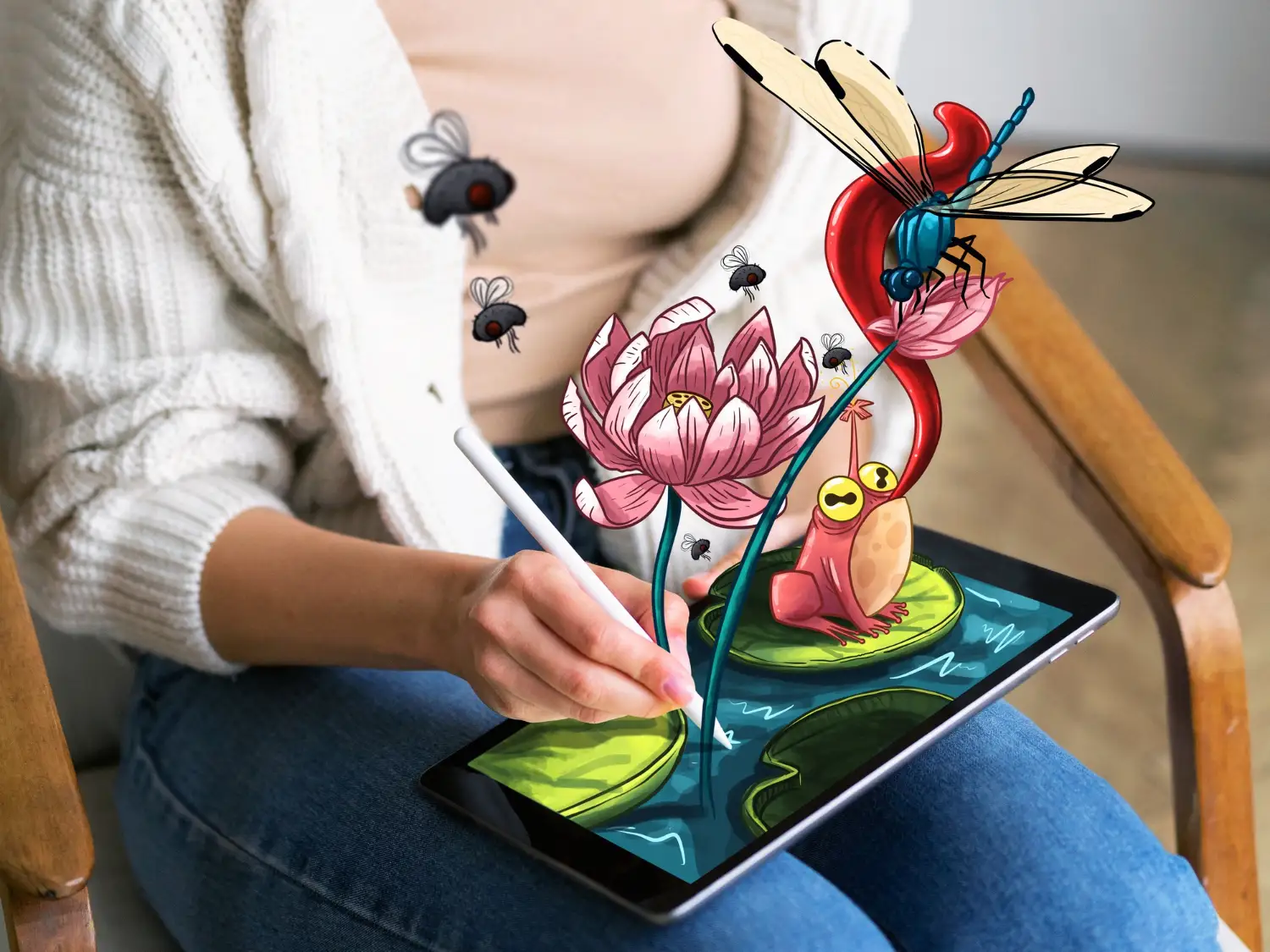
The biggest hurdle for new AI artists is “blank canvas syndrome.” You have a powerful tool like Midjourney or Stable Diffusion at your fingertips, but you simply do not know what to type to get the image in your head. Or worse, you type a description, and the result looks nothing like what you imagined because you missed a few technical keywords.
This is where an Art Prompt Generator comes in. These tools act as a bridge between your creative idea and the machine’s complex language. Instead of memorizing thousands of artist names, lighting techniques, and render engines, you can use these helpers to build structurally perfect prompts. In this guide, we will explore how to integrate these generators into your daily workflow to save time and boost quality.
What Is An Art Prompt Generator?
At its simplest, a prompt generator is a tool that helps you construct a text description for AI art models. However, they come in two very different flavors, and knowing which one you need is key.
1. The Visual Builder
These are interfaces with buttons and thumbnails. You click on a style (e.g., “Cyberpunk”), click on a lighting type (e.g., “Volumetric”), and select a camera angle. The tool then strings these choices together into a coherent text string.
- Best for: Beginners who don’t know the terminology yet.
2. The Text Randomizer/improver
These are often powered by Large Language Models (like GPT-4). You give them a simple idea (“a cat sitting on a wall”), and they rewrite it into a paragraph-long, highly detailed description with adjectives and technical modifiers.
- Best for: Getting unstuck and finding creative variations you hadn’t thought of.
Top Tools To Supercharge Your Creativity
There are dozens of tools out there, but only a few are worth adding to your bookmark bar. Here is how the top contenders stack up.
| Tool Name | Type | Best Feature | Cost |
| Promptomania | Visual Builder | Massive library of artist styles with visual previews. | Free |
| Phraser | Hybrid | “Smart logic” that suggests compatible styles based on your input. | Freemium |
| ChatGPT (Custom GPTs) | LLM Assistant | Can explain why it chose certain words and iterate conversationally. | Free / Plus |
| Midjourney /describe | Reverse Engineer | Upload an image, and it generates the text prompt for you. | Subscription |
Why Promptomania Is Essential For Beginners
If you are struggling to understand the difference between “Octane Render” and “Unreal Engine 5” looks, Promptomania is invaluable. It shows you exactly how these keywords change an image. You can visually browse through hundreds of art movements—from Art Deco to Bauhaus—and add them to your prompt with a single click.
The Anatomy Of A Perfect Prompt
Even if you use a generator, you need to understand the structure. A generator is only as good as the core concept you feed it. To master your workflow, ensure your generator is outputting prompts that follow this “golden ratio” of AI art:
1. The Subject (The “Who” and “What”)
- Bad: A warrior.
- Good: An exhausted cyberpunk samurai cleaning his katana.
2. The Medium (The “How”)
- Bad: Drawing.
- Good: Oil painting, 3D render, macro photography, charcoal sketch.
3. The Style/Artist (The “Vibe”)
- Bad: Cool style.
- Good: In the style of Greg Rutkowski, Alphonse Mucha, or Wes Anderson.
4. Technical Modifiers (The “Polish”)
- Examples: 8k resolution, depth of field, ray tracing, volumetric lighting, HDR.
Using ChatGPT As Your Personal Prompt Engineer
One of the most powerful workflows today does not involve a dedicated “button-clicking” site at all. It involves training ChatGPT to be your prompt assistant.
Instead of asking ChatGPT “Write a prompt for a dog,” use a structured command like this:
“Act as an expert AI Art Curator. I will give you a simple subject. You will expand it into three distinct detailed prompts for Stable Diffusion:
- Photorealistic style with camera settings.
- Digital Illustration style with specific artist references.
- Abstract/Surrealist style.My subject is: [Insert Your Idea]”
This method is superior because it gives you variety. You can instantly see how the same concept looks in three different artistic directions, drastically speeding up your ideation process.
Organizing Your Prompt Library
A professional workflow is not just about generating; it is about saving. If you create a stunning image, you must save the “recipe” (the prompt + settings).
The Spreadsheet Method
Create a simple Google Sheet or Notion database with the following columns:
- Image Concept: (e.g., “Future City”)
- The Prompt: (The full text string)
- Model Used: (e.g., Midjourney v6, SDXL)
- Seed Number: (Crucial for recreating the exact image)
- Notes: (e.g., “Works best with aspect ratio 16:9”)
By building this library, you stop reinventing the wheel. When you need a “neon lighting” effect next month, you don’t have to guess; you just copy the snippet from your library that you know works.
Conclusion
An Art Prompt Generator is not cheating; it is a force multiplier. It allows you to access the vocabulary of art history and photography technicalities without needing a degree in either.
Start by using visual builders like Promptomania to learn the keywords. Then, graduate to using LLMs like ChatGPT to construct complex, multi-layered descriptions. Finally, organize your winners in a personal library. This three-step evolution will take you from typing “cool car” to designing award-winning digital masterpieces.