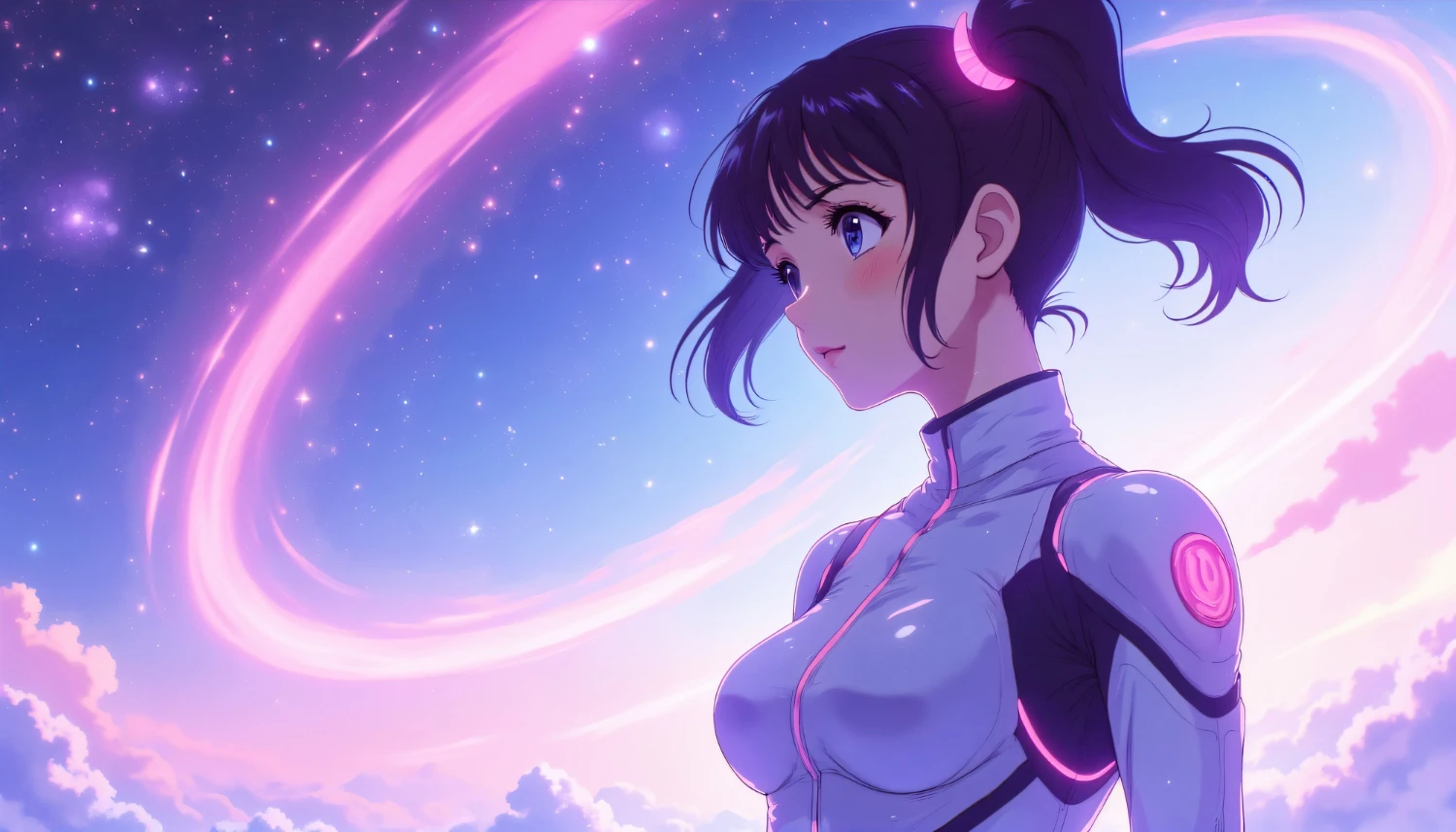
Generating anime art is arguably the most popular use case for AI image generators. However, it is also the most technically specific. If you type “anime girl” into a generic model like DALL-E 3, you will likely get a plastic, westernized imitation that lacks the “soul” of authentic Japanese animation.
To create industry-standard anime illustrations, you need to use specific models trained on millions of manga panels and animation frames. You also need to learn a new way of prompting using “tags” rather than sentences. In this guide, we will break down the specialized tools and techniques required to generate iconic characters and breathtaking backgrounds.
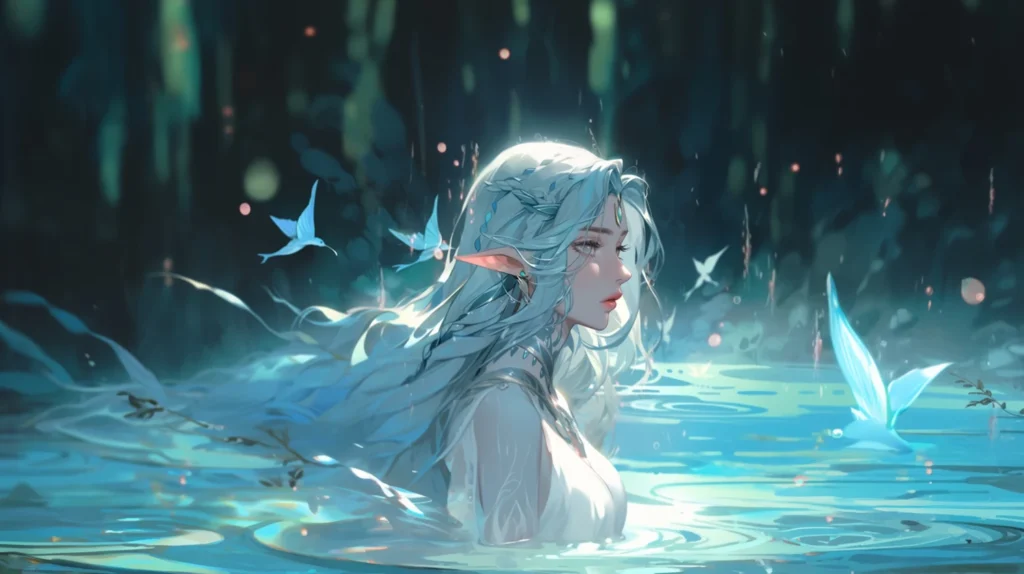
Choosing The Right Engine
Not all AI models understand anime. For the best results, you should strictly stick to these two powerhouses.
1. Niji Journey (For Midjourney Users)
Niji is a specialized version of Midjourney tuned exclusively for anime aesthetics.
- How to use it: Add the parameter
--niji 6to the end of your prompt in Discord or select the “Niji” model in the settings. - Strengths: It has an incredible understanding of lighting, composition, and color theory. It makes images look like “Sakuga” (high-budget animation moments) straight out of the box.
2. Pony Diffusion V6 (For Stable Diffusion Users)
This is currently the undisputed king of open-source anime models. Based on SDXL, “Pony” models understand character poses and concepts far better than the base Stable Diffusion.
- How to use it: Download the checkpoint from Civitai.
- The Secret Sauce: Pony models require specific “score tags” to work. You must start your prompt with:
score_9, score_8_up, score_7_up. This tells the AI to only pull from the highest-rated images in its dataset.
The Language Of Anime: Booru Tags
If you are using Stable Diffusion (Pony), you cannot talk to it like ChatGPT. You must use “Booru Tags.” These are standardized keywords used on anime image boards to categorize art.
Natural Language vs. Tags
- Bad (Natural): A cute girl with long blue hair wearing a school uniform standing in a classroom.
- Good (Tags): 1girl, solo, long hair, blue hair, school uniform, serafuku, standing, classroom background, cinematic lighting, anime style.
Using tags gives you granular control. You can stack specific traits like ahoge (hair flick), heterochromia (different colored eyes), or zettai ryouiki (absolute territory) to define the character exactly.
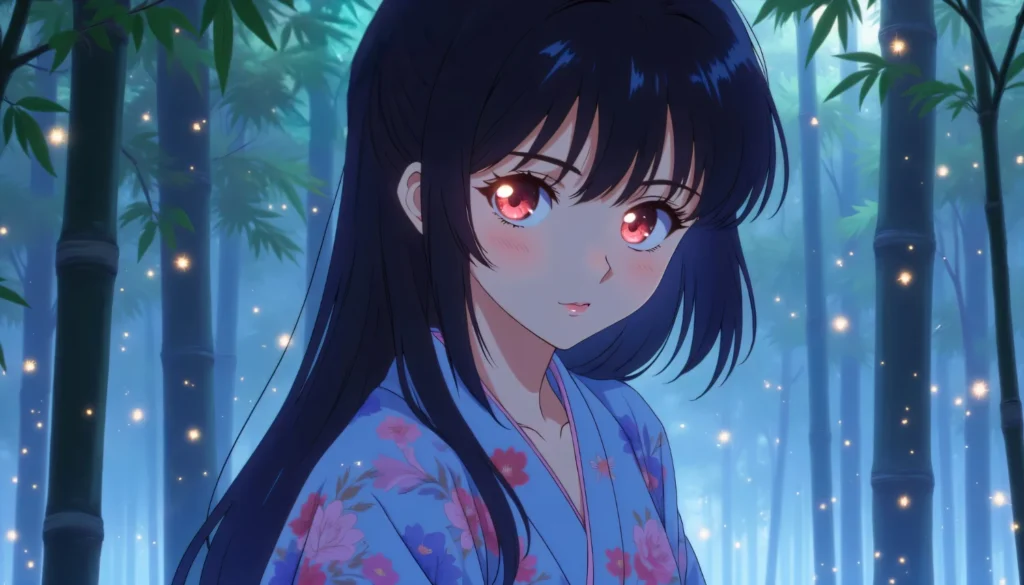
Replicating Specific Eras And Studios
One of the most fun aspects of AI anime art is time travel. You can force the AI to mimic the aesthetics of different decades.
The 90s Aesthetic
To get that nostalgic, grainy look of “Cowboy Bebop” or “Evangelion”:
- Keywords: 1990s (style), retro anime, cel shading, grain, low resolution, vhs artifact.
- Color Palette: Use “muted colors” rather than “vibrant.”
The Modern “Shinkai” Background
If you want breathtaking landscapes like in “Your Name”:
- Keywords: Makoto Shinkai style, hyperdetailed sky, lens flare, shooting star, cumulus clouds, vibrant colors, highly detailed city.
The Studio Ghibli Look
For a softer, more painterly feel:
- Keywords: Miyazaki Hayao style, watercolor, gouache, soft lighting, nature, grassy field, traditional media.
Composition Tricks For Dynamic Shots
Anime is famous for its dramatic camera angles. Don’t settle for boring front-facing portraits. Use these camera terms to add energy to your generations.
Dutch Angle Tilts the camera to the side, creating a sense of unease or action.
Fisheye Lens Distorts the image to make the character look like they are reaching out towards the viewer. Great for “rap videos” or aggressive poses.
From Below / From Above
View from below: Makes the character look powerful and dominating.View from above: Makes the character look vulnerable or innocent.
Consistency: Keeping The Character On Model
The hardest part of anime generation is making the same character twice. Here is how to solve it.
1. The “1girl” Rule Always specify the number of subjects. If you just type “girls,” the AI might generate two or three. Stick to 1girl or 1boy to keep the focus tight.
2. Defined Features Be descriptive about things that don’t change.
- Always repeat:
blue eyes, short pink hair, red ribbon, white shirt. - If you leave one out, the AI will randomize it.
3. Character LoRAs In Stable Diffusion, you can download a “LoRA” (a small training file) for almost any popular anime character. If you want to generate Naruto, don’t just prompt “Naruto”; download the Naruto LoRA. This ensures his whiskers and headband are perfect every time.
Conclusion
Creating anime art with AI is a deep rabbit hole. It is less about being a “prompter” and more about being a “director.” You need to know your camera angles, your lighting styles, and the specific vocabulary of the otaku culture. Start by experimenting with Niji Journey for quick results, and then graduate to Pony Diffusion when you are ready for total control over every pixel.